01FLOW
Follow the current.
Move from still water to a lively creek. Flow brings more bubbles and splashes; Roughness puts rocks in their path, stirring deeper eddies and restless surface detail.
 TouchCreek
Manual
TouchCreek
Manual
A living creek made entirely from tiny tones. Shape its current, tap a tuned drop, or hold a chord and let the water pour through your fingers.
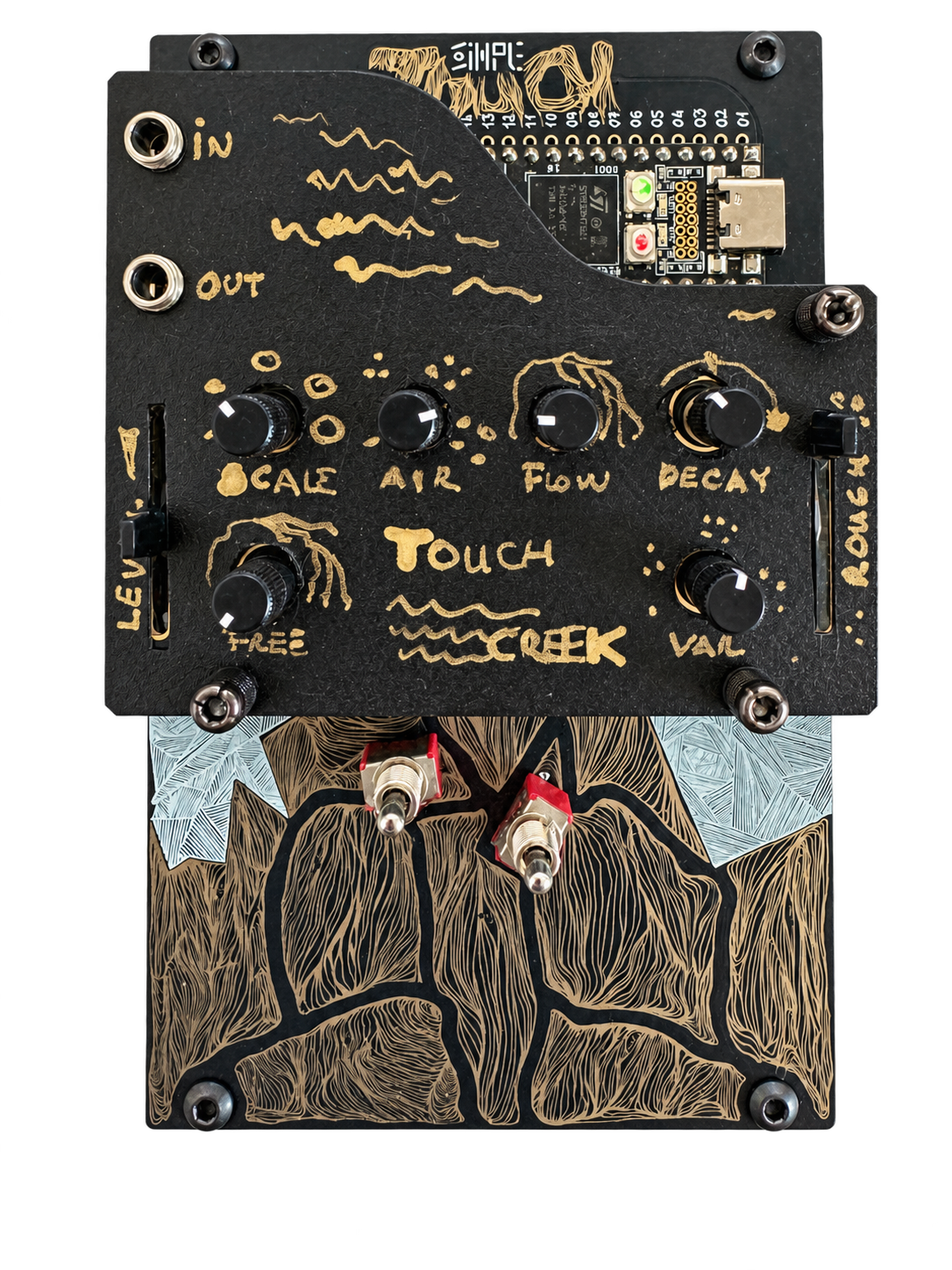
FIRMWARE + SOURCE ON GITHUBTouchCreek is a custom instrument for Synthux Academy Touch2.
Bubbles, eddies, little waterfalls.
One connected world of sound,
always finding a different way through.
Move from still water to a lively creek. Flow brings more bubbles and splashes; Roughness puts rocks in their path, stirring deeper eddies and restless surface detail.
Small bubbles sing high; larger ones ring low. Scale changes the body of the stream, Aeration fills it with bubbles, and Decay lets each tiny tone linger.
Tap for a tuned drop, hold for a stream of bubbles on that note. Play up to four notes together, or latch a chord and leave it shimmering while you shape the water.
A deep plop, a spreading burst of bubbles, then ripples that settle into the creek. Pad P01 works in every mode, even still water. Hit harder for a bigger stone.
Choose one of seven scales. Pull Variety down to gather the bubbles onto your note, or open it up and let them wander through the scale around your chord.
Spread the creek in stereo, darken it with a resonant low-pass filter, or send it into ping-pong echoes. Delay changes glide like tape, from a small space to long reflections.
The movement of a real creek becomes a sound you can play.
Open water in the centre.
A rock wake to the left.
A little drop to the right.
A few small bubbles, a little movement around the rock. The creek has space to breathe.
Each part of the creek has its own energy, turbulence and trapped air. They drift together without firing in lockstep. Hundreds of short, decaying tones become the impression of flowing water.
An instrument for shaping a place,
then finding the music inside it.
Start with Quiet trickle, Rocky creek, Small cascade or Deeper run. Switch to Notes to play, or isolate the sound layers in Diagnostics and hear what each one brings.
In Notes, turn Free flow down for still water between your gestures. Shape the pour with Attack and Release, or bring the creek back underneath your playing.
Connect through Daisy Seed’s USB port for notes, velocity, sustain, pitch bend and parameter control. Mod wheel or channel aftertouch adds Surge: a rush of flow, roughness and air.
The manual covers installation, every control layer, scales and the complete MIDI map. The project also includes a browser emulator with a JavaScript twin of the creek engine.